
Calilio Review: A Guide to Cloud Business Calling for Growing Teams
A practical look at how cloud-based business calling works — and what to check before moving your team off personal phone numbers.
J
By JonAffiliate disclosure: We may earn a commission from links on this page at no extra cost to you.
A practical look at how cloud-based business calling works — and what to check before moving your team off personal phone numbers.
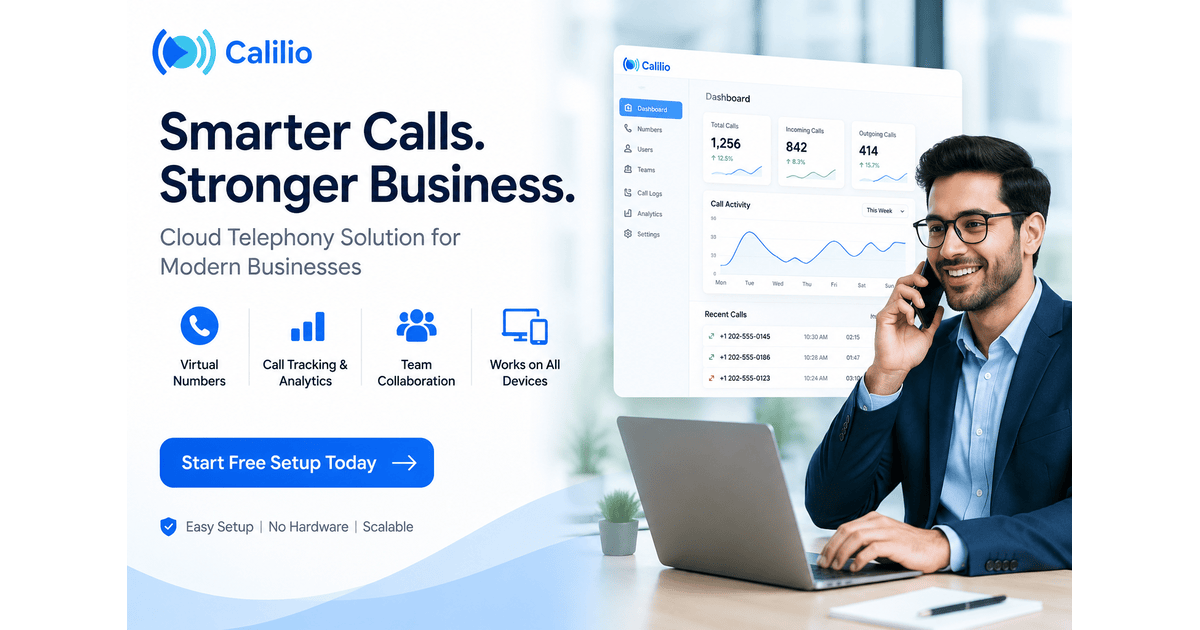
Running business calls through personal phone numbers works fine at a very small scale — but as a team grows, it quickly becomes a source of missed calls, scattered conversations, and zero visibility into what's actually happening on customer calls. Calilio is one of several cloud telephony platforms built specifically to solve this. Here's how it works.
A few recurring problems tend to show up once a team scales past a couple of people handling calls informally:
Rather than distributing personal numbers, a virtual number gives the business a single, professional point of contact — calls can then be routed to available team members without customers needing to know or dial individual numbers.
All incoming and outgoing calls route through one system, meaning call history, missed calls, and team activity are visible in one place rather than scattered across individual devices.
Visibility into call volume, response times, and individual team member performance — data that's simply unavailable when calls run through personal numbers with no shared system.
Team members can typically handle business calls from a laptop, mobile app, or desk phone, without needing calls tied to a specific physical device or SIM card.
The real value of cloud telephony isn't just the virtual number itself — it's the visibility. Once calls are centralized, you can actually see what's happening across your team, instead of guessing based on scattered personal phone logs.
Pricing for cloud telephony platforms typically scales with team size and call volume — worth checking your actual usage against pricing tiers before committing to a plan.
If your team already uses a CRM or customer support tool, check whether the calling platform integrates directly, since manual cross-referencing between systems defeats much of the efficiency benefit.
Since cloud calling relies on internet connectivity rather than traditional cellular networks, checking call quality reviews — particularly for your specific region — is worth doing before fully switching over from personal numbers.
No — virtual numbers through cloud telephony platforms like Calilio are typically set up digitally without requiring a physical SIM card.
Yes — that's one of the core advantages. Calls to a single virtual number can be routed or distributed among team members, rather than each person needing a separate line.
Cloud calling systems generally scale from small teams to larger ones — the main consideration is whether your current call volume and team size justify moving off informal personal-number setups.
Moving off personal numbers makes the most sense once missed calls, lack of tracking, or an unprofessional setup are actually costing the business — cloud telephony platforms like Calilio are built specifically to solve that gap as a team scales.
About the author
Jon
Jon writes for Moneyme on SaaS, vetting offers and comparing providers so readers can choose with confidence.